01
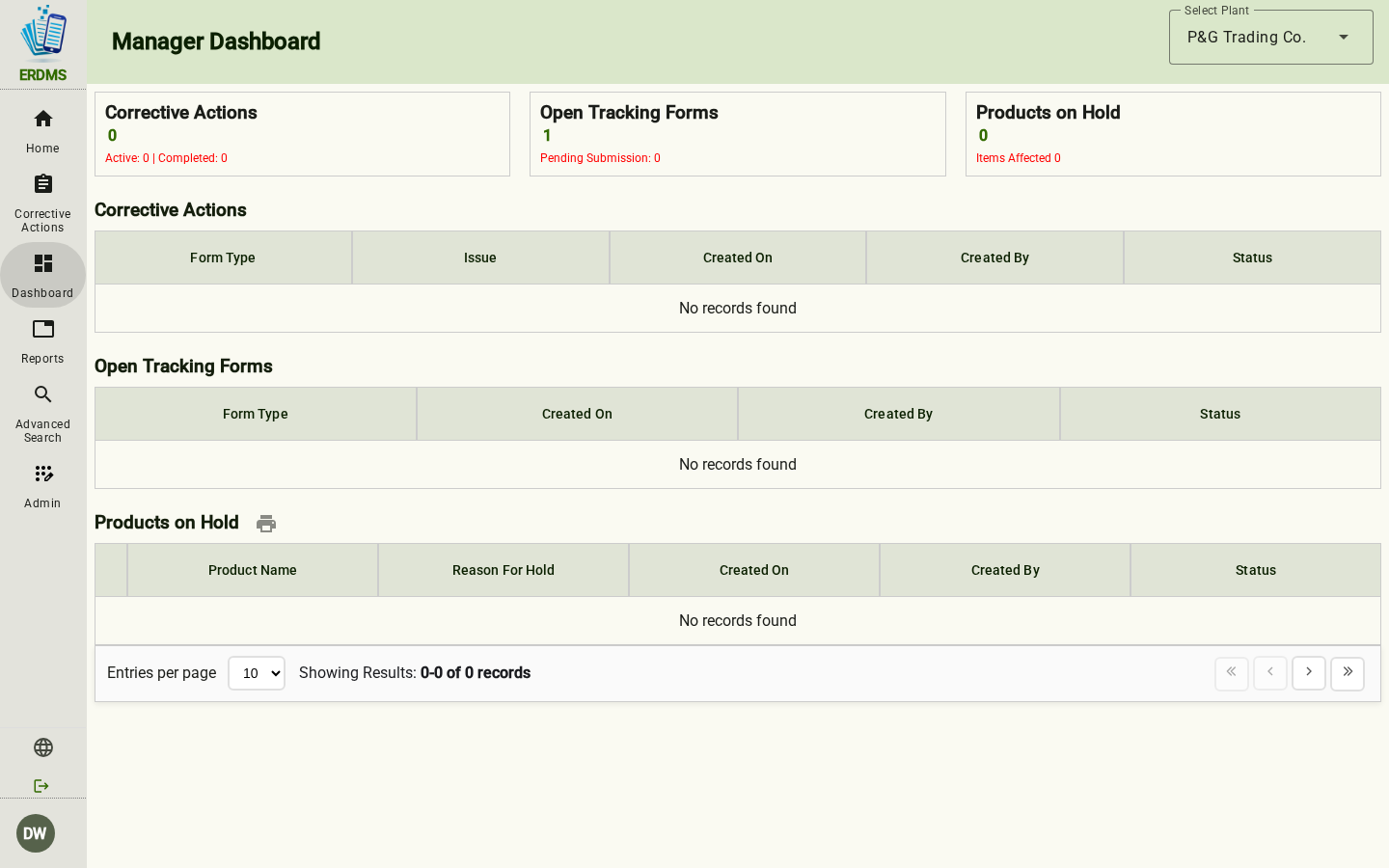
Program dashboard
Records by activity, deviations, open corrective actions, and who is entering the data — QC or production.

Platform
Capture the check, route the review, close the corrective action, and pull the record back when someone asks. That is the product.
Already in the application? The Quick Step Guide covers create, approve, corrective actions, attachments, the audit trail, and print.
01
Records by activity, deviations, open corrective actions, and who is entering the data — QC or production.
02
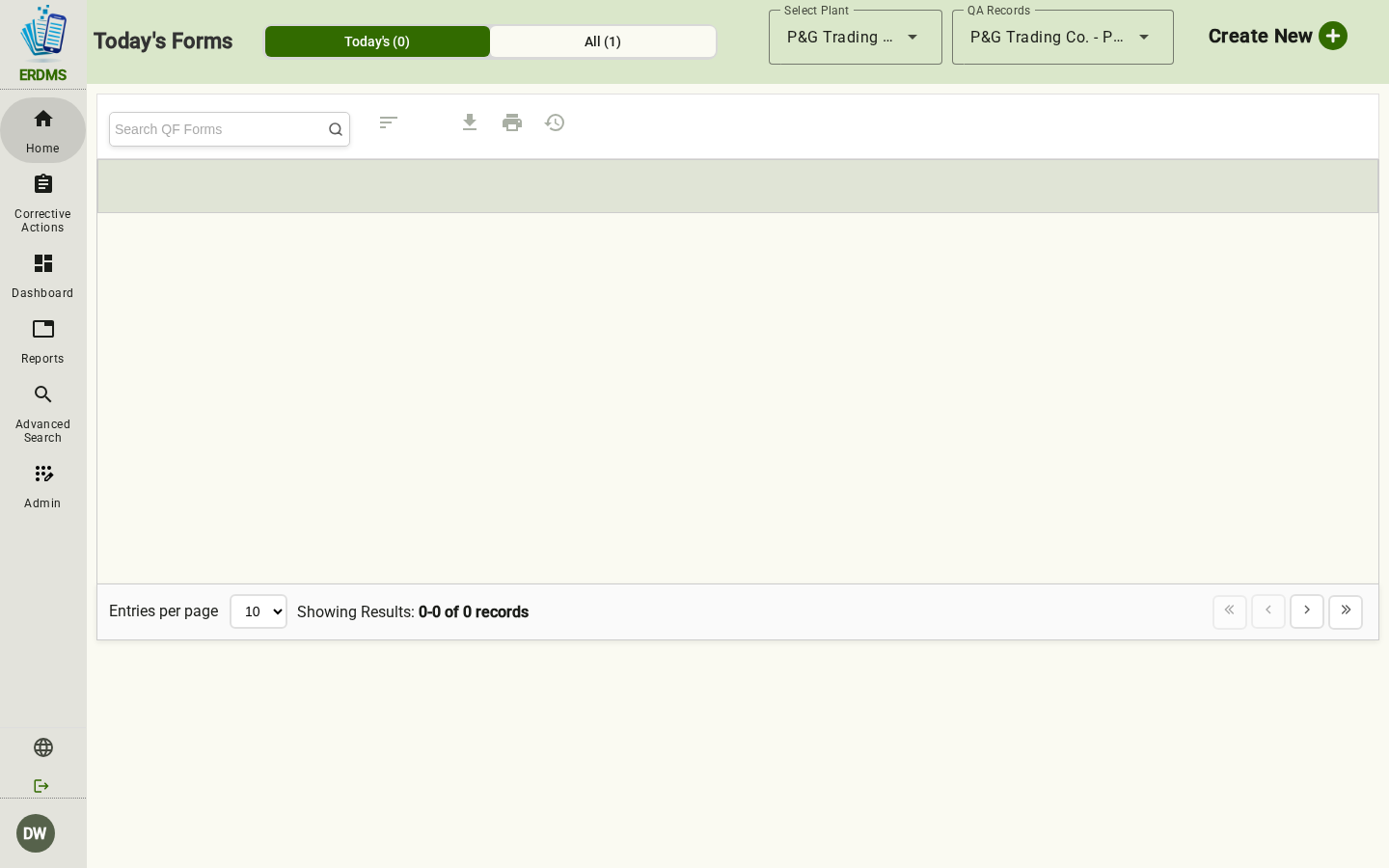
Review, missed CCP monitoring, pre-op, and corrective actions. When the board is clear, that is visible too.
03
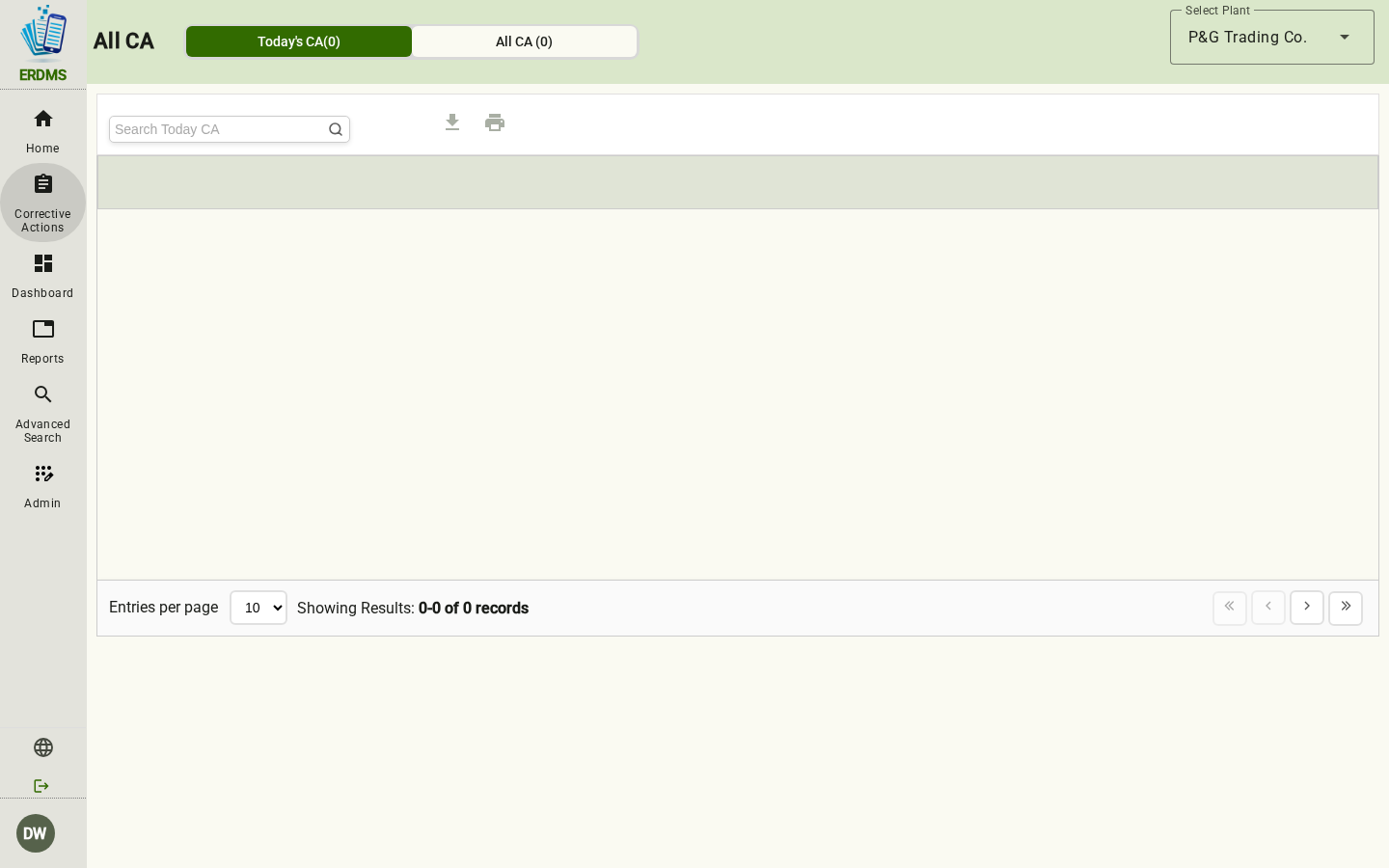
Owner, department, priority, target date, and verification — not a second clipboard.
04
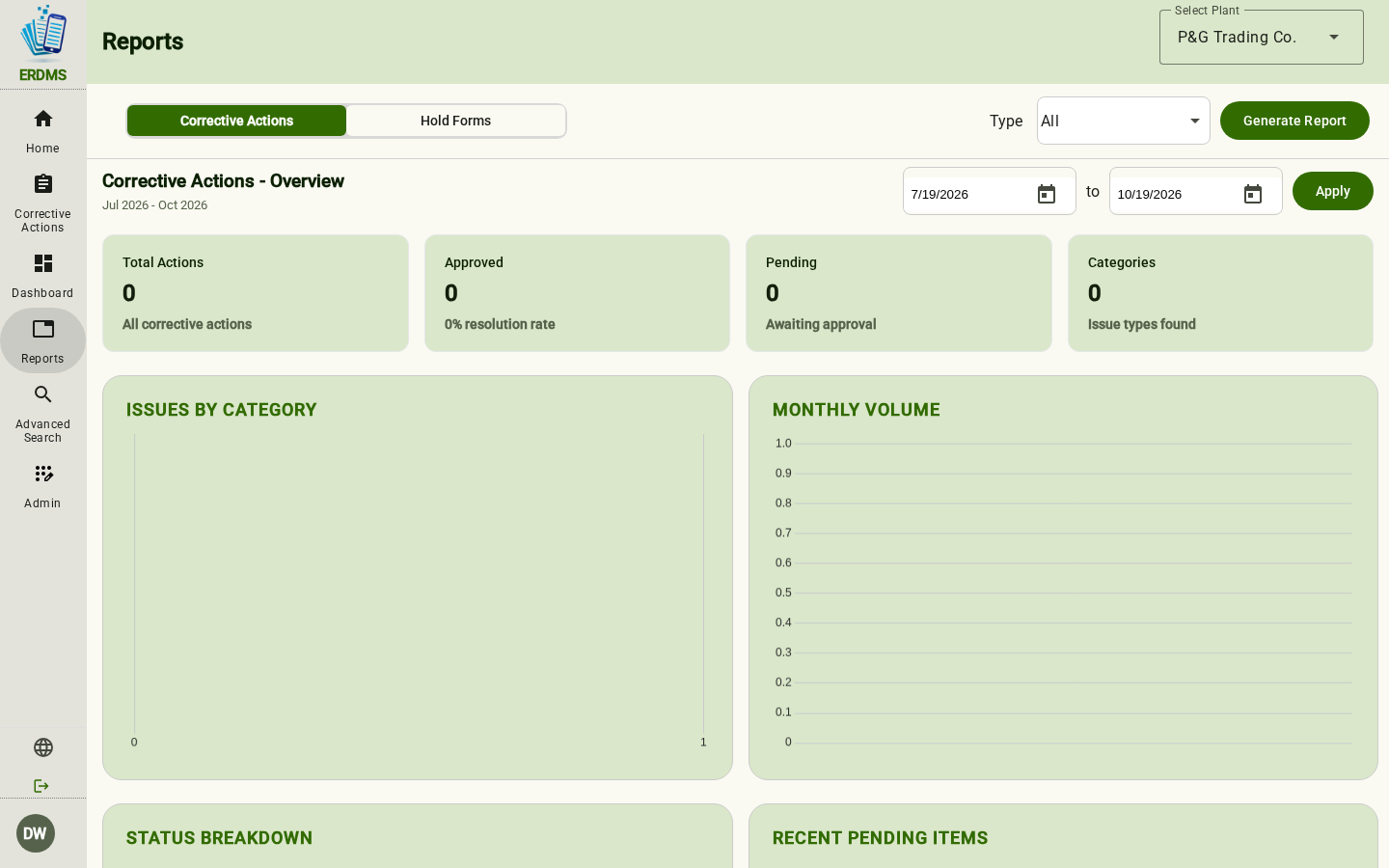
Pre-op, operational inspection, weight control, allergen control, receiving, metal detection.
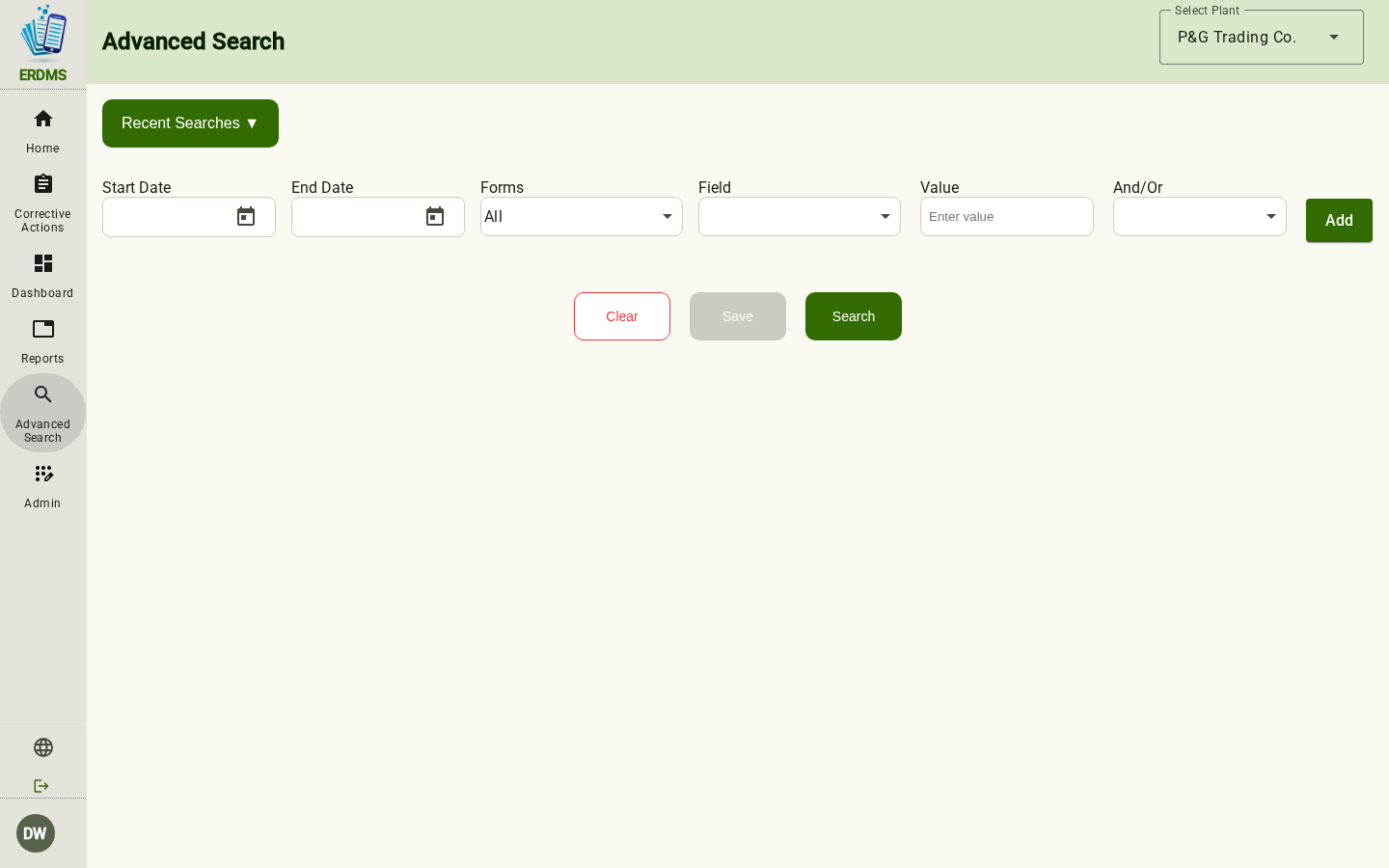
05
Activity, product, date, user, department, shift, and line. This is the opposite of a filing cabinet.
Replace paper forms and clipboards with structured electronic records on tablets, computers, and phones.
Required fields, workflows, and the daily queue make an incomplete check visible before it disappears into a cabinet.
Route a record to the person who should see it, instead of waiting for someone to pick up a clipboard.
Document the deviation, the action, the owner, the target date, and the verification in one traceable thread.
Search by date, product, lot, facility, line, shift, record type, or status. Not by which binder it might be in.
Keep organized, searchable records and a history of review so the documentation is producible when an auditor or a customer asks.
ControlPoint is the system of record for the food safety program. Master data is the plant itself — not a folder tree someone invented in a shared drive. If you need a specific system tied in, that belongs in the demo, not in a logo wall we haven’t earned.